
Print from Figma with a print-ready PDF workflow
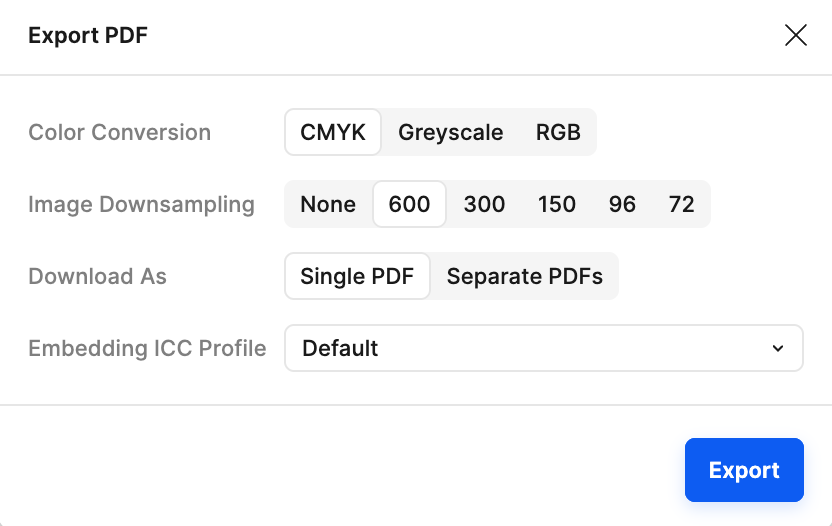
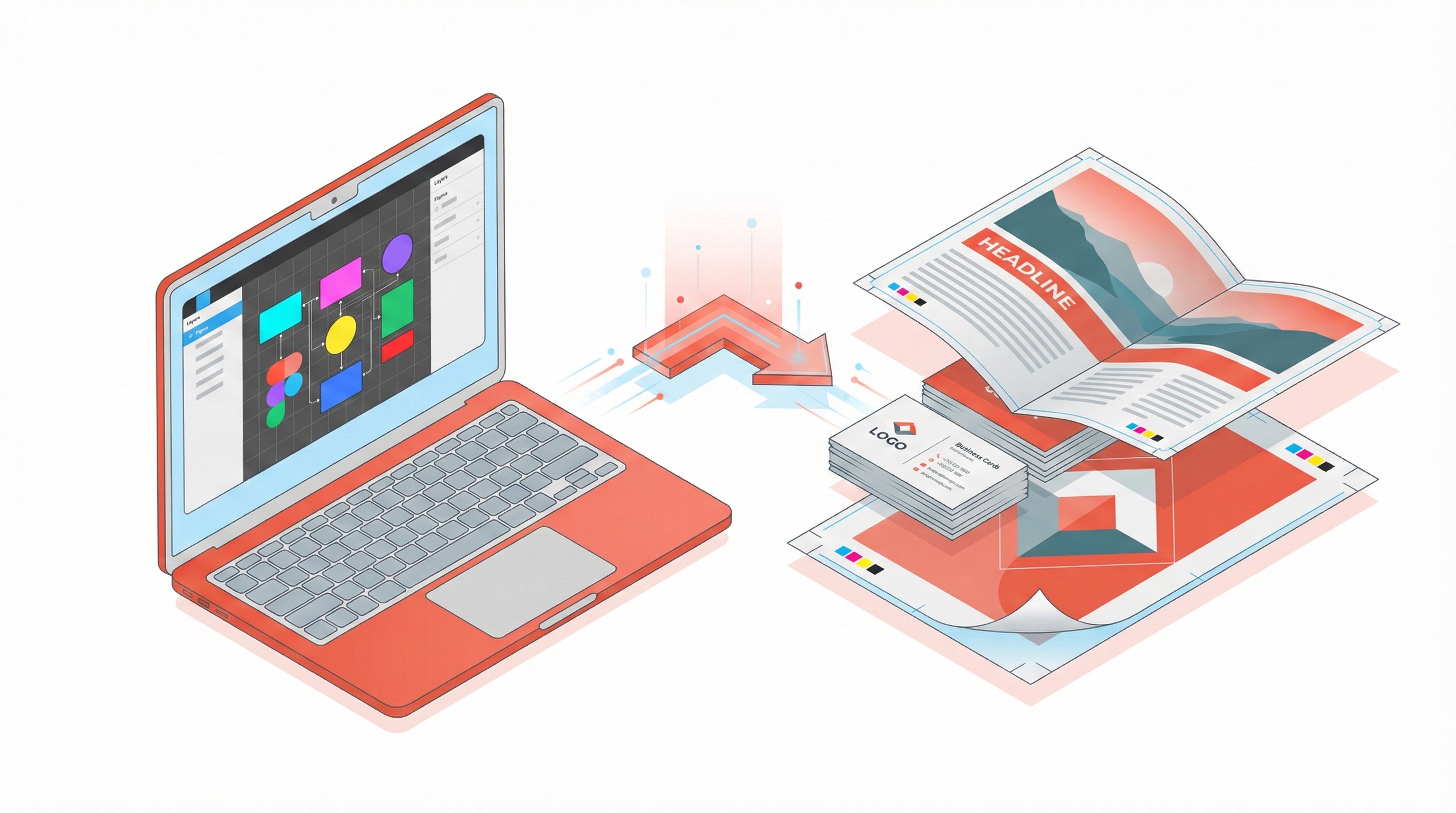
Export press-ready PDFs directly from Figma with CMYK conversion, ICC profiles, bleed, crop marks, and 300 DPI settings. Printery turns Figma layouts into files your print shop can use without a manual cleanup pass.
Figma Was Built for Screens — Not Print
If you've ever searched for a Figma export option only to find key print settings missing, you're not alone. Figma's native export only gives you RGB PNGs, SVGs, or basic PDFs — no CMYK, no bleed, no ICC profiles.
That's where Printery comes in. It bridges the gap between Figma and professional print production:
- ▸CMYK color conversion with industry ICC profiles
- ▸Bleed and crop marks added automatically
- ▸ICC profile embedding for color accuracy
- ▸DPI verification to catch low-res images
Why You Need Print-Ready PDF Export in Figma
❌ Without Printery
- Figma export options missing critical print settings — no CMYK, no bleed
- Export limited to PNG/SVG, then manually convert in Illustrator
- No CMYK support — colors shift on press
- No bleed or crop marks — printer rejects files
- Manual DPI calculation and guesswork
- ICC profiles? Forget about it
✅ With Printery
- ✓ One-click PDF export from Figma
- ✓ Automatic RGB → CMYK conversion
- ✓ Bleed & crop marks added automatically
- ✓ DPI verification & control (300 DPI standard)
- ✓ Embedded ICC profiles for color accuracy
Everything You Need for Print Production
CMYK Color Conversion
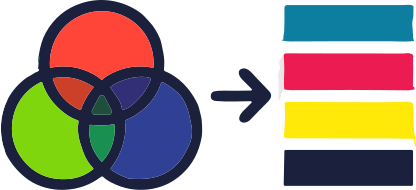
Automatically convert RGB designs to CMYK using industry-standard ICC profiles like ISO Coated v2 and FOGRA39.

Bleed & Crop Marks
Add professional bleed areas and crop marks that printers require. Standard 3mm/0.125" bleed supported.

DPI Verification
Check that all raster images meet the 300 DPI requirement for commercial printing. Catch low-res before it's too late.

Multi-Page PDF
Export multiple Figma frames as a single multi-page PDF document. Perfect for brochures, booklets, and catalogs.
Pantone & Spot Colors
Map your design colors to Pantone spot colors for exact color matching on press. Pro feature for brand-critical work.
Overprint Control
Set fill and stroke overprint where press behavior matters. Prevent knockout issues in professional printing.
How to print from Figma to PDF in 3 steps
Select Your Frames
Choose the frames or pages in Figma that you want to export for print.
Configure Settings
Set CMYK mode, ICC profile, bleed, crop marks, and DPI in the Printery panel.
Export PDF
Click export and get a press-ready PDF that your print shop will accept immediately.
Frequently Asked Questions
How do I print Figma to PDF?▾
Install the Printery plugin from the Figma Community, select the frames you want to print, configure CMYK color mode, bleed, crop marks, and DPI in the Printery panel, then click Export. Printery generates a press-ready PDF with embedded ICC profiles that you can send directly to your print shop.
Why is the Figma export option not showing print settings like CMYK or bleed?▾
Figma was built for screen design, so its native export only offers RGB color modes and basic file formats (PNG, SVG, PDF) without professional print controls. Settings like CMYK conversion, bleed, crop marks, and ICC profiles are not part of Figma's built-in export. The Printery plugin adds these missing print production settings directly inside Figma.
Why is my Figma export missing colors or looking different when printed?▾
Figma exports in RGB, but commercial printers use CMYK. Without proper color conversion, colors shift — bright blues turn dull, vivid reds look muddy. Printery converts your colors from RGB to CMYK using industry-standard ICC profiles (like ISO Coated v2) so what you see on screen matches what comes off the press.
Can I export a multi-page PDF from Figma?▾
Yes. With Printery, select multiple frames in Figma and export them as a single multi-page PDF. Each frame becomes one page in the final document, making it ideal for brochures, booklets, catalogs, and magazines.
How does Printery compare to other Figma print plugins?▾
Printery is the most comprehensive print plugin for Figma, offering CMYK conversion with real ICC profiles, bleed and crop marks, 300 DPI verification, multi-page PDF export, Pantone spot color mapping, and overprint control. Many alternatives only cover one or two of these features, whereas Printery handles the full print production workflow in a single plugin.
Is Figma good enough for professional print design?▾
Figma excels at layout and design collaboration, but it lacks native print production features. With Printery, Figma becomes a viable tool for professional print work — you get CMYK color conversion, bleed, crop marks, ICC profile embedding, and DPI verification without leaving Figma or switching to InDesign or Illustrator.
Ready to Print from Figma?
Join 33,000+ designers who export print-ready PDFs directly from Figma with Printery.